
সর্বশেষ ভিডিও
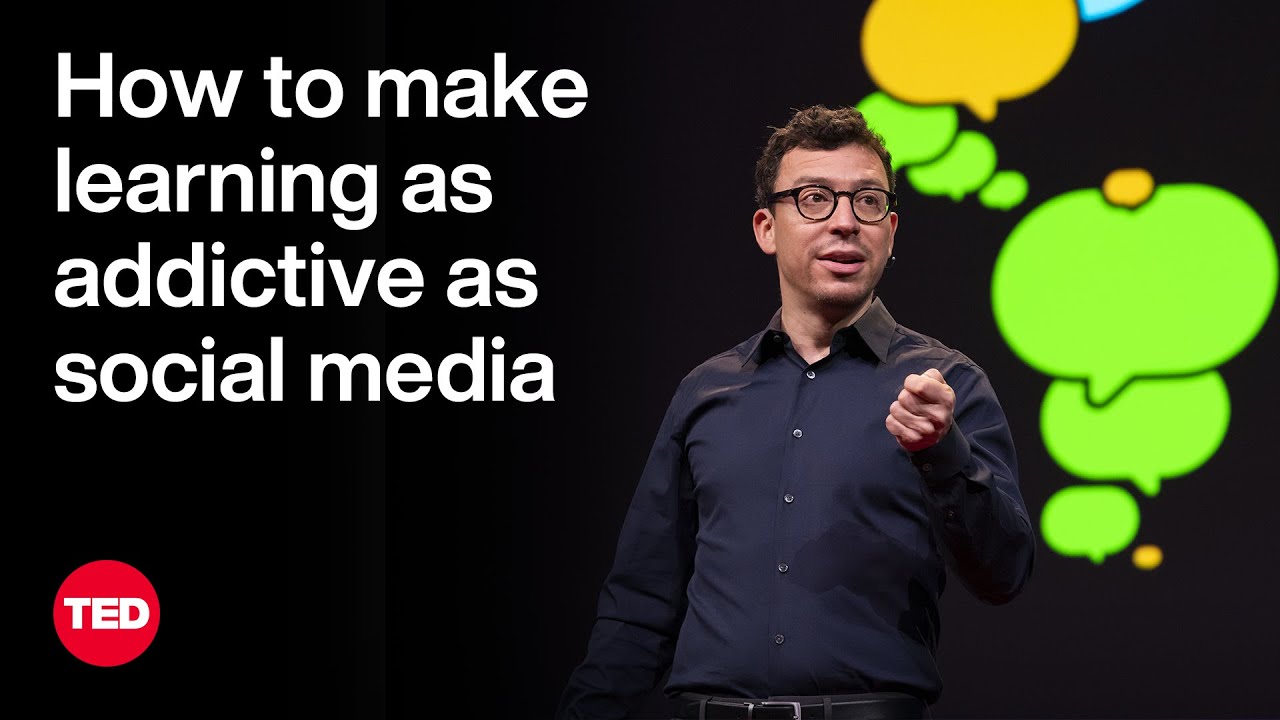

When technologist Luis von Ahn was building the popular language-learning platform Duolingo, he faced a big problem: Could an app designed to teach you something ever compete with addictive platforms like Instagram and TikTok? He explains how Duolingo harnesses the psychological techniques of social media and mobile games to get you excited to learn — all while spreading access to education across the world.
If you love watching TED Talks like this one, become a TED Member to support our mission of spreading ideas: https://ted.com/membership
Follow TED!
Twitter: https://twitter.com/TEDTalks
Instagram: https://www.instagram.com/ted
Facebook: https://facebook.com/TED
LinkedIn: https://www.linkedin.com/company/ted-conferences
TikTok: https://www.tiktok.com/@tedtoks
The TED Talks channel features talks, performances and original series from the world's leading thinkers and doers. Subscribe to our channel for videos on Technology, Entertainment and Design — plus science, business, global issues, the arts and more. Visit https://TED.com to get our entire library of TED Talks, transcripts, translations, personalized talk recommendations and more.
Watch more: https://go.ted.com/luisvonahn
https://youtu.be/P6FORpg0KVo
TED's videos may be used for non-commercial purposes under a Creative Commons License, Attribution–Non Commercial–No Derivatives (or the CC BY – NC – ND 4.0 International) and in accordance with our TED Talks Usage Policy: https://www.ted.com/about/our-....organization/our-pol For more information on using TED for commercial purposes (e.g. employee learning, in a film or online course), please submit a Media Request at https://media-requests.ted.com
#ted #tedtalks #duolingo

Ready to go freelance but not sure where to start? In this video, Jesse breaks down the essentials of freelancing — from how to get your first clients, set your rates, build confidence, and create a sustainable creative business.
Whether you’re a designer, developer, creator, or just curious about freelancing life, this guide walks you through key concepts and practical tips to launch your journey with clarity and confidence.
What You’ll Learn:
- Land your first client, that first win is crucial.
- Build Momentum!
- Create real traction, turn this side hustle to a business.
👉 Perfect for complete beginners or anyone thinking about leaving the 9-to-5 and building their own creative career!
👇 Don’t forget to like, comment your questions, and subscribe( https://goo.gl/6vCw64 ) for more design + career content.
Checkout Mobbin.comhttps://mobbin.com/?via=jesse
#freelancing #creativecareer #designlife #freelancetips #JesseShowalter
------------------------------------------------------------------------------------
🏆 //////////// Grow your career and level up skills through on-demand courses, live trainings, and a thriving community.:
https://designchamps.io/
------------------------------------------------------------------------------------
🎨 ////////// I Design in Figma
https://psxid.figma.com/ixbomhqzoiy0
🖥️ ////////// I build websites in Framer
https://framer.link/jesse
📅 ////////// I run my life with Notion
https://affiliate.notion.so/tokendsfahjf
🎵 ////////// Take your films to the next level with music from Musicbed. Sign up for a free account to listen for yourself: https://fm.pxf.io/c/1372011/1347628/16252
MAJOR UPDATE AS OF 9/3/25:
The Freelancing Program that’s helped 1,000+ freelancers JUST opened up for the first time this year (last time was November). It used to be $650 upfront, but now it’s $59/month so more freelancers can get in. Full course, weekly coaching calls, and community included.
Tap here to claim your spot: https://freelance.jamiebrindle.io/
____________
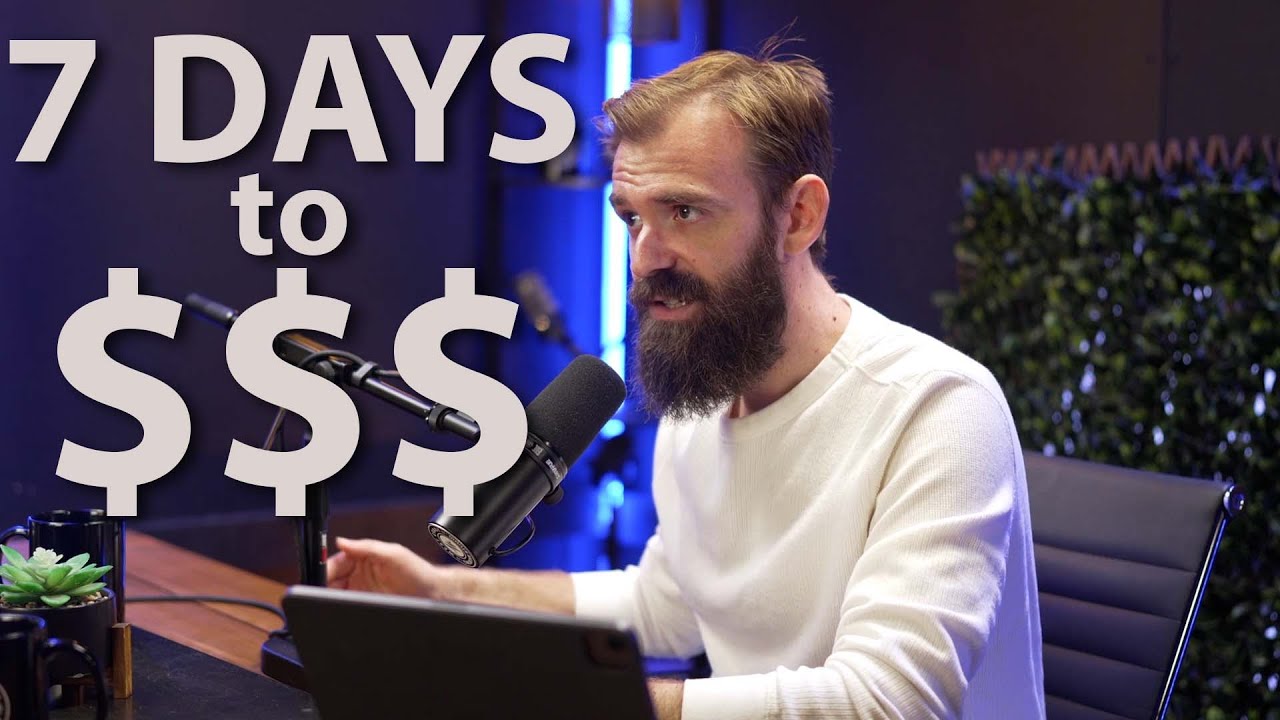
How to Start a Freelance Business in 7 Days (Even with a 9–5 Job)
Want to quit your job and start freelancing? Or just want to earn extra income without waiting months for results?
This FREE masterclass shows you exactly how to go from no clients, no clarity → to a high-value, scalable freelance business in just 7 days.
I’m Jamie Brindle — I’ve been freelancing for 16+ years, worked with brands like Google & Netflix (but also dozens of smaller companies that actually paid me more), and have taught over half a million freelancers online how to start and scale their businesses.
This isn’t fluffy motivational advice.
It’s a step-by-step roadmap with real scripts, strategies, and templates that 6‑figure freelancers are using right now.
✅ WHAT YOU’LL LEARN:
• How to choose a profitable freelance niche (even if you’re multi-skilled)
• How to craft a “no-brainer” freelance offer clients love
• How to build a portfolio with zero clients
• How to land your first freelance job — fast
• How to set up a simple client process (even if you’re brand new)
• How to activate your existing network for warm leads
• How to use job boards without wasting hours
• How to launch your freelance presence on LinkedIn & Instagram
• Your 30-day plan to replace your 9–5 income
This exact system has helped freelancers go from $0 → $5K+ months without overthinking or burning out.
📌 WHO THIS IS FOR
✔️ Full‑time employees who want to freelance on the side (and eventually quit their 9–5)
✔️ Beginners who have skills but no clients yet
✔️ Side hustlers who want to finally turn their freelance work into a real business
✔️ Creatives (designers, writers, marketers, developers) who want clarity, clients, and freedom
⏱ CHAPTERS / TIMESTAMPS
0:00 – Why freelancing in 7 days is possible
4:36 – Day 1: Choose your freelance lane (without overthinking)
10:35 – Day 2: Turn your skills into a client-ready freelance offer
17:49 – Day 3: Create a simple process that makes clients trust you
28:33 – Day 4: Build a portfolio (even if you have no clients)
35:36 – Day 5: Activate your network to get warm leads
41:46 – Day 6: Use job boards without wasting hours
50:07 – Day 7: Launch your social presence & start getting clients
57:04 – Closing Mindset Shift + Next Steps

🎀 join the free masterclass: https://go.shefreelances.com/047b30db
apply to she freelances 🎀: https://go.shefreelances.com/d510b3d5
🎀 "How to freelance" Notion Dashboard 👉 : https://www.shefreelances.com/howtofreelance
🎀 watch my other free masterclasses
creative strategy 101: https://youtu.be/hPNaM_Yc5ZI?si=8rmlcGwTGdg_Db_J
listen on Spotify: https://open.spotify.com/show/....69ax0VAk10AMjB0Et6jm
listen on Apple: https://podcasts.apple.com/us/....podcast/pretty-philo
🎀 let’s stay connected 🎀
she freelances instagram: https://www.instagram.com/shefreelances/
personal instagram: https://www.instagram.com/deneetamia/
linkedIn: https://www.linkedin.com/in/denee-seaton/
tiktok: https://www.tiktok.com/@deneetamia
this is my full step-by-step guide on how to start freelancing, find clients, and make money online in 2025. i share strategy that helped me go from 0 to a multi-six-figure freelance business in 18 months.
you’ll learn how to: pick a profitable freelance skill, build a simple portfolio (even if you have no experience), find clients using inbound, warm, and cold outreach, price your freelance offers confidently, set up workflows that make you look like a pro, raise your rates, negotiate, and create predictable income, build long-term freedom and stability through freelancing.
this is a free 2-hour freelance course that breaks down every part of starting and scaling your freelance business. whether you want to become a full-time freelancer, start a side hustle, or finally understand how freelancing actually works, this is everything you need to know.
if you’ve been searching for: how to freelance • how to start freelancing with no experience • how to find freelance clients online • how to price freelance work • how to make money freelancing • freelance business tutorial, this video is for you.
🎀 in this video 🎀
[0:00] intro
[1:02] what to expect
[1:21] get your free notion board
[1:49] who i am
[2:08] part 1: foundation
[4:40] getting close to the money
[5:20] what skill to freelance
[13:32] part 2: how to find clients
[13:58] inbound clients
[17:44] cold outbound
[19:37] good cold outreach examples
[23:11] warm outbound
[27:55] working with clients globally
[33:38] creating your portfolio
[38:58] part 3: pricing
[40:39] retainer offers
[42:36] one-off projects
[47:22] calculating your rate
[51:00] retainer offer tiers
[52:50] freelance pricing examples
[55:20] how to raise your rates
[58:00] how to negotiate with clients
[59:40] doing test projects
[01:00:03] how to conduct a client call
[01:06:43] following up after a client call
[01:07:22] when you’re asked to work “full-time”
[01:10:50] creating a qualifying questionnaire for inbounds
[01:12:11] preparing for a call with a cold client
[01:13:20] how long a client call should be
[01:14:08] part 4: workflow
[01:15:55] freelance contracts
[01:22:30] where and how to do client work
[01:26:19] thinking in systems
[01:28:00] how to work faster as a freelancer
[01:31:55] sending work to clients
[01:34:30] collecting payment from clients
[01:36:16] part 5: longevity
[01:37:32] keeping multiple clients
[01:38:56] diversifying your freelance income
[01:41:20] being easy to work with
[01:45:48] seo + aeo for inbound leads
[01:48:41] travelling while freelancing
[01:50:57] closing thoughts
how to freelance, how to start freelancing, freelancing for beginners, freelance business, freelance skills, freelance income, how to find clients, freelance clients, freelance pricing, how to price freelance work, freelance contracts, freelance systems, how to become a freelancer, start freelancing 2026, freelancing course free, full freelance tutorial, freelance portfolio, freelance marketing, high-income freelancer, how to get freelance clients, how to start a freelance business, how to make money online, freelance course 2026

Have you considered freelancing but are unsure where to start — or if it can be a viable long term career option? Tech entrepreneur Shahar Erez shares five steps to help you build a fulfilling (and financially stable) freelance career that puts you in the driver's seat of your own future.
The Way We Work is a TED original video series where leaders and thinkers offer practical wisdom and insight into how we can adapt and thrive amid changing workplace conventions. Visit https://go.ted.com/thewaywework for more!
If you love watching TED Talks like this one, become a TED Member to support our mission of spreading ideas: https://ted.com/membership
Follow TED!
Twitter: https://twitter.com/TEDTalks
Instagram: https://www.instagram.com/ted
Facebook: https://facebook.com/TED
LinkedIn: https://www.linkedin.com/company/ted-conferences
TikTok: https://www.tiktok.com/@tedtoks
The TED Talks channel features talks, performances and original series from the world's leading thinkers and doers. Subscribe to our channel for videos on Technology, Entertainment and Design — plus science, business, global issues, the arts and more. Visit https://TED.com to get our entire library of TED Talks, transcripts, translations, personalized talk recommendations and more.
Watch more: https://go.ted.com/shaharerez
https://youtu.be/7vtlMRV1sxY
TED's videos may be used for non-commercial purposes under a Creative Commons License, Attribution–Non Commercial–No Derivatives (or the CC BY – NC – ND 4.0 International) and in accordance with our TED Talks Usage Policy: https://www.ted.com/about/our-....organization/our-pol For more information on using TED for commercial purposes (e.g. employee learning, in a film or online course), please submit a Media Request at https://media-requests.ted.com
#ted #tedtalks
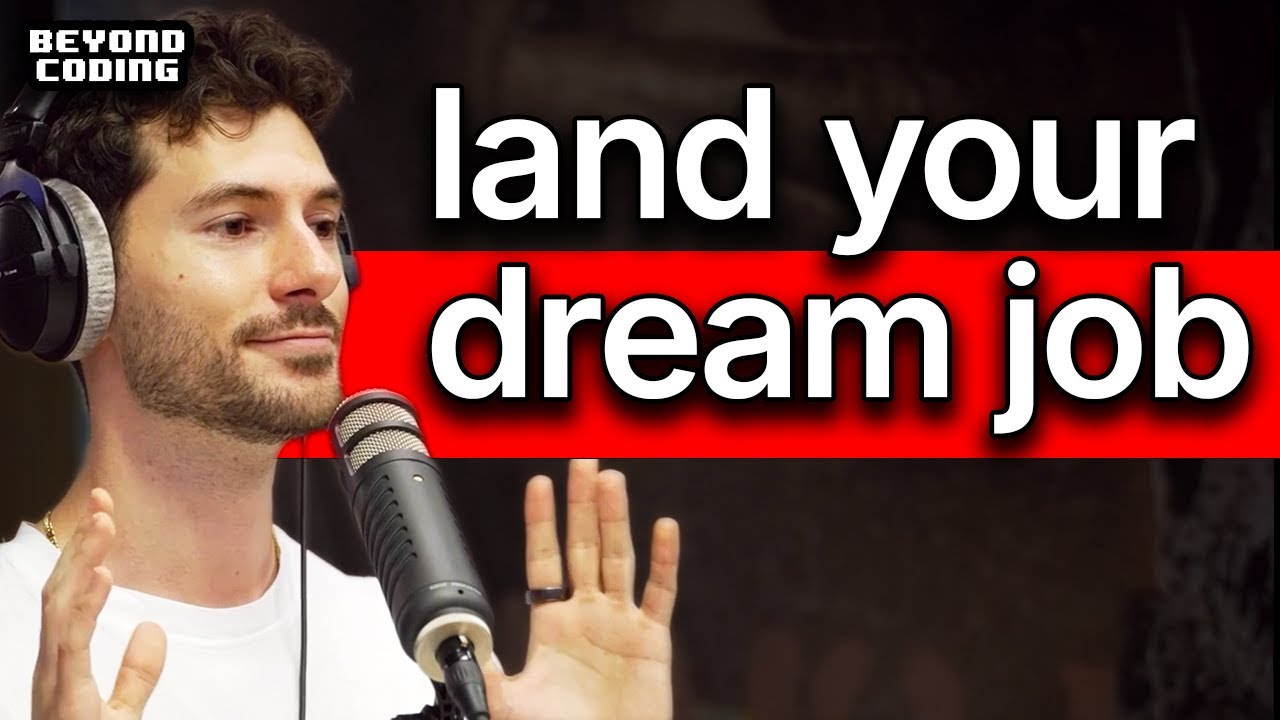
The most common question I get is "How do I land a remote or international tech job?" In this episode, I'm breaking down the exact roadmap I would follow, from building core skills to the one thing you MUST do to get noticed by recruiters. This isn't just about resumes; it's about building a career that opens global doors.
In this video, we cover:
Why your first job should be local (and in-office).
How to build a "social presence" that gets you hired.
The right way to message recruiters so they actually reply.
How to prepare for modern tech interviews that go beyond LeetCode.
My personal story of failing a dream job interview and what it taught me.
This guide is for any software engineer or tech professional, from early-career to experienced, who wants to break into the remote or international job market. You'll learn the actionable steps to stand out, get your foot in the door, and ultimately land the job.
OUTLINE
00:00:00 - The #1 Question You Must Answer First
00:01:08 - Why Your First Tech Job Should Be Local
00:03:14 - The Surprising Benefit of Working In-Office
00:05:17 - The Easiest Path to an International Role
00:07:09 - Mastering English: The Underrated Skill
00:11:23 - How to Stand Out in the Age of AI Resumes
00:14:31 - Proving Your Worth with a Strong GitHub Portfolio
00:17:37 - Build Your Network Through Community and Content
00:20:13 - The Right Way to Message Recruiters on LinkedIn
00:23:20 - How Tech Interviews Are Changing (Beyond LeetCode)
00:26:41 - What I Learned from Failing My Dream Job Interview
00:28:08 - Your Complete Roadmap to Landing the Job
#techcareers #remotejobs #SoftwareEngineer
-
Connect with Patrick Akil:
https://www.linkedin.com/in/patrick-akil
https://twitter.com/PatrickAkil_

After 10+ years, these are my top remote work tips to be productive, happy, and healthy.
Full written guide here: https://selfmadesuccess.com/remote-work-tips/
Home Office Gear: 🛍️ https://www.amazon.com/shop/justinbryant
---------------------------------------------
MY INVESTING CHANNEL:
https://www.youtube.com/channe....l/UCi57rEq3G31lA73hF
Join me on Patreon for advanced insights, discussions, and what I am personally doing with my investments: https://patreon.com/MrJustinBryant
-------------------------------
LET’S CONNECT!
Twitter - https://twitter.com/MrJustinBryant
Facebook - https://www.facebook.com/mrjustinbryant
Pinterest - https://www.pinterest.com/mrjustinbryant/
Instagram - @MrJustinBryant
Bluesky - https://bsky.app/profile/mrjus....tinbryant.bsky.socia
-------------------------------
Disclaimer: Some links on this page contain affiliate links in which I get paid a commission if a purchase is made. I only endorse products or services I've used or gotten great feedback from. In most cases, I endorse products without being an affiliate or receiving any compensation and would never recommend anything if I had concerns that you might not be satisfied with it.
Disclaimer: I’m not a certified financial advisor. When I talk about investing it is based on either personal experience, theories, or patterns I’ve noticed. Always consult professional help before implementing any investment strategies I talk about.
Note: This video is for educational and informational purposes only.
#remotework #entrepreneurship #jobmarket

➡️ Learn How To Start An AI Based Side Hustle (free live workshop): https://event.thewealthportal.com
Get Odoo for free here today: https://www.odoo.com/r/ctQv
To get free fractional shares worth up to £100, use the promo code TILBURY or visit https://www.trading212.com/join/TILBURY. Terms apply. *This is an affiliate link.
Get a FREE weekly email from me filled with money tips, and access to my personal inbox:
https://www.marktilbury.com/newsletter
Today I'm talking about the 7 highest paid online jobs, although they are boring, they are a great way to make money online. - Enjoy!
________________________________________________
Disclaimers:
This video does not represent financial advice, and I am not a financial advisor. When investing, your capital is at risk. Investments can rise and fall and you may get back less than you invested. Past performance doesn’t guarantee future results. Images used throughout the video are for illustrative and educational purposes only, not indicative of past or future performance.
Pies & AutoInvest is an execution-only service. Not investment advice or portfolio management. Automatic investing refers to executing scheduled deposits. You are responsible for all investment and rebalancing decisions.
212 Cards are issued by Paynetics which provide all payment services. T212 provides customer support and user interface.
*Trading 212's terms and fees apply - https://www.trading212.com/terms/invest.
Some of the links in this description are affiliate links that I get a commission from.
________________________________________________
GET IN TOUCH:
For business inquires only, please use this email: mark@marktilbury.com

🏠Here are my 8 Top Tip for 'How To Stay Focused When Working From Home'
In today's video, I showcase to you my 8 top tips for hyper focus to help you stay concentrated when working from home.
I hope these working from home tips come in handy, especially in today's current affairs since most countries are now in complete lockdown, due to the coronavirus pandemic.
Music to Improve Focus: https://www.brain.fm/
World's First Self-cleaning Water Bottle: https://www.livelarq.com/
Best Standing Desks & Ergonomic Office Chairs: https://bit.ly/3ephykD
-------
📈 FREE Training - How To Launch & Scale An Agency: https://resources.affluent.co/....free-training?sl=You
📲 FREE Strategy Call: https://calendly.com/academy-c....onsultants/strategy-
📚 FREE Copy Of My Book: https://www.15minuteagency.com?sl=YouTubeVid164
✅ The Affluent Academy (Social Media Marketing Agency SMMA Course): https://www.affluent.co/academy?sl=YouTubeVid164
*30-Day Guarantee* Please Email, support@jordanplatten.com if you have questions regarding this policy BEFORE purchasing - See T&C's For Details.
👨🏼💻 ClickFunnels: https://goo.gl/mvQ4Ay
Website: https://www.jordanplatten.co.uk
Facebook: https://www.facebook.com/jordanplattenuk
Instagram @JordanPlatten
Email: support@jordanplatten.com
Disclaimer: To support the channel some of the links above may be affiliate links. Statements on this site do not represent the views or policies of anyone other than myself. Starting a business takes hard work and dedication... Please do not buy my products if you do not intend to put in the effort or if you are looking for a 'get rich quick' scheme (Hint, they don't exist).
#focus #workfromhome #jordanplatten
______
__________________________________________
agency Giants Podcast: https://www.youtube.com/@agencygiants

Looking to land a remote job in 2026? 🌍✨
In this video, we break down the top in-demand remote work skills that companies are actively hiring for and the ones that will help you stand out in a global job market.
Whether you want to freelance, work remotely full-time, or transition into a digital career, these skills are powerful, high-value, and future-proof.
📌 What you’ll learn in this video:
– The most sought-after digital skills for 2026
– Skills you can learn quickly to start earning online
– Why visual-facing and creative skills are dominating remote work
If you’re ready to work from anywhere, earn more, and step confidently into your remote era… this is your sign. 🌐💼
Let’s stay connected!
✨ TikTok: [@theremotechic] (https://www.tiktok.com/@theremotechic)
✨ LinkedIn: https://www.linkedin.com/in/joyalibaedumu/
📧 Email: joy@theremotechic.com
📰 Join my newsletter:https://delicate-waterfall-116....58.myflodesk.com/the
---
SC: 5178
#workfromhome #remotejobs #freelancingtips #onlinejobs #virtualassistantlife #remotework #freelancecareer #vajobs2026 #makemoneyonline #workfromhomejobs #remoteworklife #freelancertips #onlinework #digitalnomadlife #freelanceopportunities #remotecareer #sidehustleideas #onlineincome #remoteworktips #womenwhoworkonline #workanywhere #freelancingforbeginners #onlinebusiness #vacommunity #virtualassistant #virtualassistantjobs #freelancingtips

Making the transition to working or learning from home? Welcome!
Here are some research-based strategies for making it easier. These strategies are especially important for neurodiverse brains, but they're helpful for all brains. Please share!
-=-=-=-=-=-=-=-=-=-=-=-=-=-=-=-=-=-=-=-=-=-=-=-=-=-=-=-=
Facebook: http://facebook.com/howtoadhd
Twitter: http://twitter.com/howtoadhd
Support us on Patreon: http://patreon.com/howtoadhd
WE WROTE A SONG!!
Get the “The Fish Song” on...
...iTunes: http://bit.ly/fishsongitunes
...Google Music: http://bit.ly/fishsonggp
...Amazon: http://bit.ly/fishsongamazon
Music for "A SIMPLE Guide to Working / Learning From Home: How to Adjust"
"The Show Must Be Go”
Kevin MacLeod (incompetech.com)
Licensed under Creative Commons: By Attribution 3.0
http://creativecommons.org/licenses/by/3.0/

5 Tips I've developed after over 20 years of working from home, remote locations, airports, campsites, and factory floors.Here are the two ergo office chairs that I regularly use in my 2 home office setups:Studio chair: https://amzn.to/3wZ254YHome office chair: https://amzn.to/3SXmaThThanks so much for watching today! I respond to all (reasonable) comments and appreciate your feedback.👉 If you enjoyed this video, please like and share it.👉 Don't forget to subscribe for more updates.🧠 See more product reviews here: https://bigheavyreviews.com💪🏼 Join me on Strava: https://www.strava.com/clubs/thebigheavy💢 Here are some lists of products I use and recommend in creating my channel, exploring the outdoors, and generally trying to become a better human:⚡️Video Gear: https://bigheavyreviews.com/yo....utube-video-gear/⚡️H Office Setup: https://bigheavyreviews.com/lol-desk-setup/⚡️My Favorite Power Banks: https://bigheavyreviews.com/lo....l-power-banks/⚡️Self Reading List: https://bigheavyreviews.com/lo....l-self-improvement/⚡ few (more) of my favorite things: https://bigheavyreviews.com/bh-lol/Disclosure: Some of the links above are affiliate links. This means that, at zero cost to you, I will earn an affiliate commission if you click through the link and finalize a purchase. This helps fund my channel, and I only link to products that I've personally used and found to be of high quality and worth spending my own money on. Thanks for supporting my work!

Download the Workbook: http://www.tonybell.com
(Free, no sign-in)
Unlock 100+ Members Accounting Tutorials: https://www.youtube.com/channe....l/UCNFClg6mzfZ5ixpuH
Welcome to the Complete Financial Accounting Course
This 11-hour tutorial covers the entire financial accounting curriculum — from the basics of journal entries to the preparation and analysis of financial statements.
You’ll learn step-by-step through structured lessons, including:
00:00 - Module 1: Introduction to the Financial Statements
1:17:10 - Module 2: Recording Transactions
2:49:15 - Module 3: Adjusting Entries and Closing Entries
4:24:24 - Module 4: Cash
5:00:40 - Module 5: Receivables
5:37:30 - Module 6: Inventory Purchases, Sales, Returns and Discounts
6:20:23 - Module 7: Cost of Inventory (FIFO, LIFO, Weighted Average)
7:06:33 - Module 8: Property, Plant and Equipment
7:47:28 - Module 9: Liabilities and Bonds
8:54:10 - Module 10: Equity
9:14:33 - Module 11: Statement of Cash Flows
10:07:13 - Module 12: Ratios and Financial Statement Analysis
Includes: Dozens of practice problems, walkthroughs, and comprehensive examples
Perfect for beginners, accounting students, and anyone preparing for exams.


In this course on Finance & Economics for Businesses, you will learn the fundamentals of business strategy and the interplay between these three fields. You will understand how large-scale macroeconomic changes can affect businesses while also understanding how small details in financial documents can indicate a company's financial risk. This course lays the groundwork for more advanced courses on these topics to prepare you for future studies in any of these three areas.✏️ Course created by Sriram Chundi. His channel is @Changemakers Media ❤️ Support for this channel comes from our friends at Scrimba – the coding platform that's reinvented interactive learning: https://scrimba.com/freecodecamp⭐️ Contents ⭐️⌨️ (0:00:00) Introduction⌨️ (0:01:25) Key terms and Basics of Money⌨️ (0:08:16) Excel Analysis of Compound Interest Case Study⌨️ (0:10:12) Financial Markets⌨️ (0:20:50) Business Strategy⌨️ (0:28:22) Financial Statements⌨️ (0:47:22) Capital Budgeting⌨️ (0:55:49) Macroeconomics⌨️ (1:11:38) ESG⌨️ (1:23:48) Portfolio Diversification & Management⌨️ (1:33:38) Alternative Investment Types⌨️ (1:36:45) Summary of Course🎉 Thanks to our Champion and Sponsor supporters:👾 davthecoder👾 jedi-or-sith👾 南宮千影👾 Agustín Kussrow👾 Nattira Maneerat👾 Heather Wcislo👾 Serhiy Kalinets👾 Justin Hual👾 Otis Morgan 👾 Oscar Rahnama--Learn to code for free and get a developer job: https://www.freecodecamp.orgRead hundreds of articles on programming: https://freecodecamp.org/news
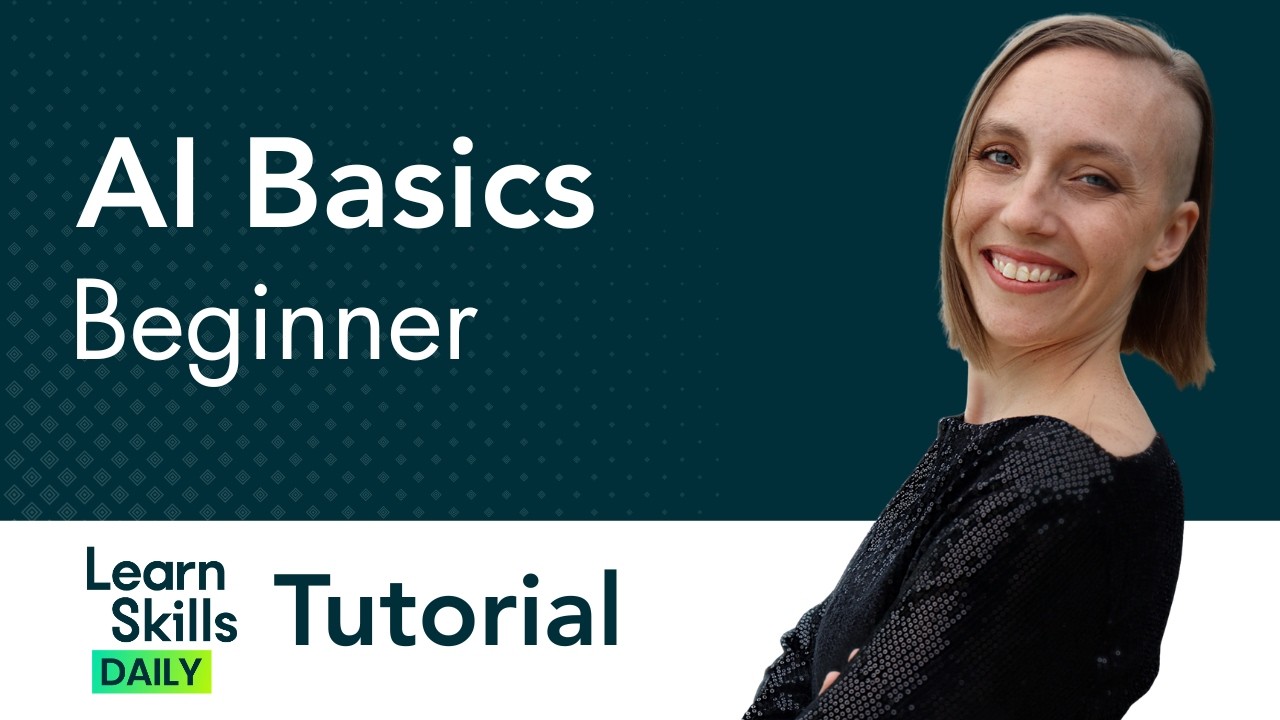
AI Basics Beginner Tutorial
Get Ad-Free Training by becoming a member today!
https://www.youtube.com/channe....l/UCqyBfm_H9ugGirk1u
Join Learn Skills Daily for ad-free training, exams, certificates, and exclusive content:
https://www.learnskillsdaily.com
Exercise Files: https://tinyurl.com/4vacxze6
Learn with Amanda: https://www.betterworktraining.com/
Follow Amanda on LinkedIn: https://www.linkedin.com/in/amandavandenelzen/
50 AI Prompts for Work Productivity PDF: https://academy.betterworktrai....ning.com/50-ai-promp
Who it's for: This course is designed for complete beginners who are new to generative AI and want a practical, professional introduction to tools like ChatGPT, Microsoft Copilot, Gemini, Perplexity, and Claude. It is especially well suited for working professionals who want to understand how these tools can support everyday tasks, improve productivity, and deliver real value at work, while also learning how to use them safely, ethically, and with confidence.
What it is: Generative AI is a type of artificial intelligence that uses large language models to create new content based on the information it has been trained on, the prompts users provide, and the patterns it recognizes across that data. Generative AI is the technology behind tools like ChatGPT, Microsoft Copilot, Gemini, Perplexity, and Claude, which can help users write emails, do research, brainstorm ideas, learn new concepts, and even work with files, images, and spreadsheets.
What you'll learn: In this training, viewers will learn the fundamentals of generative AI, including what large language models are, how they work, what risks they carry, and how to use them responsibly. The course also teaches how to build stronger prompts using practical prompt-building blocks, explores common workplace use cases such as writing, research, learning, brainstorming, and thought partnership, and demonstrates how AI tools can analyze files, images, PDFs, and spreadsheets to support real-world business tasks more effectively
Start 0:00
Introduction 0:08
Tools 4:11
Outputs and Risks 10:57
Prompt Blocks 19:51
Use Cases 29:56
Practice - Wordsmithing 38:15
Practice - Researching and Brainstorming 48:03
Practice - Multimodal Capabilities 54:29
Conclusion 1:04:20
#chatgpt #generativeai #aitutorial
(C) 2026 Bomberry Productions
Any illegal reproduction of this content will result in immediate legal action.

Photoshop Beginner Tutorial
Explore Your Creativity with Adobe Photoshop
https://www.adobe.com/in/products/photoshop.html?cgen=9J8K42RR&mv2=bbs
Get Ad-Free Training by becoming a member today!
https://www.youtube.com/channe....l/UCqyBfm_H9ugGirk1u
Join Learnit Anytime for ad-free training, exams, certificates, and exclusive content:
https://www.learnitanytime.com
Exercise Files: https://tinyurl.com/3dks9884
Who it's for: Curious beginners to advanced creatives working in any industry.
What it is: A multifaceted photo editing program that allows you to enhance photos, draw shapes, work with color, apply special effects, and use type and dozen of creative filters.
What you'll learn: We begin with learning the interface and workspace, then quickly cover how to create a new document, basic image manipulation, and working with layers, type, and typography. Then we learn several color correction techniques, creating masks, using filters, and a few basic filter options. In our advanced class, we cover layer comps, blending modes, advanced selection techniques, working with 3D text, advanced filter tools, creating Actions, and mastering your CC Libraries.
Start 0:00
Introduction 0:03
Customizing the Workspace 1:20
Moving and Transforming Objects 6:39
New Document & Placing Images 11:01
Introduction to Layers and Saving 18:13
Cropping, Canvas Size, and Image Size 25:24
Locking, Grouping, and Adjusting Opacity with Layers 31:19
Quick Selection and Layer via Cut 35:00
Magic Wand Tool and Eraser 43:55
Lasso 51:49
Layer Effects and Cloning 57:19
Introduction to Shapes and Colors 1:04:54
Introduction to Type 1:11:52
Layer Effects 1:18:23
Shapes 1:22:55
Custom Shapes 1:32:12
Color Swatches and Gradients 1:39:02
Type and Typography 1:50:07
Clipping Masks 1:57:48
Introduction to Masks 2:05:58
Levels Adjustment Layer 2:14:39
Curves Adjustment Layer 2:21:06
Black and White and Hue-Saturation Adjustment Layer 2:26:41
Vibrance and Curves Adjustment Layer - Blue Skies 2:36:36
Red Eye Removal 2:39:27
Dodge and Burn Tool 2:41:01
Spot Healing Brush Tool 2:46:41
Patch Tool and Content Aware Fill 2:51:56
Clone Stamp Tool 2:57:41
Filters 3:02:49
Field Blur 3:08:15
Preferences 3:14:01
Conclusion 3:18:44
#photoshop
Learnit is no longer associated with this channel/video.
(C) 2025 Bomberry Productions
Any illegal reproduction of this content will result in immediate legal action.

Canva Tutorial
Get Ad-Free Training by becoming a member today!
https://www.youtube.com/channe....l/UCqyBfm_H9ugGirk1u
Join Learnit Anytime for ad-free training, exams, certificates, and exclusive content:
https://www.learnitanytime.com
Who it's for: Canva is best suited for a wide range of users, from beginners to professionals.
What it is: Canva is a popular online graphic design platform that allows users to create a wide range of visual content, including social media graphics, presentations, posters, flyers, logos, videos, and more. It offers an easy-to-use drag-and-drop interface with thousands of customizable templates, stock images, icons, fonts, and design elements.
What you'll learn: In this course, learners will gain a comprehensive understanding of Canva and its versatile design capabilities. They will explore essential design principles, learn to create various digital assets such as presentations, infographics, social media posts, and business cards, and discover how to effectively use templates and custom elements. Additionally, learners will develop hands-on skills in formatting, layering, and aligning elements within a design while also understanding how to share, export, and collaborate on projects. By the end of the course, participants will have the confidence to create professional-quality visuals tailored to their personal or business needs.
Start 0:00
Introduction 0:09
Demo of Canva 1:21
Creating and Navigating Your Account 7:00
Exploring Design Elements 12:57
Starting From a Template 20:10
Exporting and Sharing Designs 29:32
Creating a Social Media Post 36:14
Creating a Marketing Flyer 44:50
Setting Up a Design with the Grid System 52:57
Adding Content to Your Design 1:02:54
Conclusion 1:11:47
#Canva
Learnit is no longer associated with this channel/video.
(C) 2025 Bomberry Productions
Any illegal reproduction of this content will result in immediate legal action.

Premiere Pro Full Course Tutorial (6+ Hours)
Get Ad-Free Training by becoming a member today!
https://www.youtube.com/channe....l/UCqyBfm_H9ugGirk1u
Exercise Files: https://tinyurl.com/2s4m5956
Who it's for: Anyone looking to create, edit, and enhance digital videos.
What it is: Premiere Pro is the authority on digital video editing software. Easy to learn, yet feature-rich, Premiere Pro has everything a user needs to create digital video projects of any length or complexity.
What you'll learn: First, students learn how to navigate and customize the Premiere Pro interface. We quickly get into importing your own assets which include video clips, still images, and audio. We then learn how to organize our assets so we can edit our projects in the timeline. Editing includes slicing, cropping, slipping, sliding, adding markers and more. We also cover some pro tips on creating in and out points, tons of keyboard shortcuts, changing the speed of clips, and some basic video effects. We also learn how to create slideshows, add transitions, work with basic audio techniques, add text, and finally how to export your videos so you can easily upload or share them.
Join Learnit Anytime for ad-free training, exams, certificates, and exclusive content:
https://www.learnitanytime.com
Start 0:00
Introduction 0:03
Premiere Workspace 1:22
Importing Media 11:09
Project Panel 16:09
Source Panel 30:44
Adding Markers in the Source Panel 48:13
Timeline and Sequences 52:47
Track Selectors on the Timeline 1:09:58
Razor Tool 1:14:47
Trimming on the Timeline 1:18:32
Inserting and Overwriting on the Timeline 1:23:09
Ripple and Rolling Edit Tools 1:28:30
Slip and Slide Edits 1:33:17
Speed and Duration 1:37:34
Unlinking Audio and Video 1:41:36
Lift and Extract Tools 1:44:52
Markers on the Program and Timeline Panel 1:47:19
Cropping 1:51:36
Picture in Picture 1:56:04
Conclusion 2:02:03
Introduction 2:02:50
Titles and Captions 2:03:33
Working with Still Images 2:25:39
Transitions 2:35:09
Panning and Zooming Effects 2:47:52
Working with Audio 2:57:30
Exporting and Rendering 3:07:21
Customizing Playback Controls 3:12:12
Adding Custom Buttons to Program and Source Panel 3:16:38
Transitions 3:21:00
Subclips 3:32:33
Time Remapping for Variable Clip Speed 3:39:51
Brightness and Contrast Effects 3:48:12
Conclusion 3:55:10
Introduction 3:55:31
Introduction to Masking and Keyframes 3:56:58
Color Correction - Lumetri Color 4:06:25
Saving Effect Presets 4:13:45
Adjustment Layers 4:17:57
Creating Movement with Keyframes 4:26:42
3D Effect 4:37:05
Blur Effect 4:44:50
Blurring Faces 4:55:03
Introduction to Text 5:00:46
Text - 3D Effect and Keyframing 5:10:56
Text - Blur Effect and Masking 5:20:21
Drawing and Animating Shapes 5:29:54
Text Clipping Mask 5:38:51
Masking Text to Appear and Disappear 5:44:04
Text Templates with Adobe Stock 5:54:16
Green Screen 6:02:19
Conclusion 6:09:12
#premiere #premierepro #adobepremierepro #premiereprotutorial
Learnit is no longer associated with this channel/video.
(C) 2025 Bomberry Productions
Any illegal reproduction of this content will result in immediate legal action.
Illustrator Full Course Tutorial (6+ Hours)
Get Ad-Free Training by becoming a member today!
https://www.youtube.com/channe....l/UCqyBfm_H9ugGirk1u
Exercise Files:
Part 1: https://tinyurl.com/y95xttkk
Part 2: https://tinyurl.com/4m5v8znf
Who it's for: Curious beginners to advanced creatives working in marketing, sales, real estate, education, and more.
What it is: A complex program for creating high quality illustration and typographical art.
What you'll learn: We begin with the interface and workspace. We go over all of the panels and selection tools, including the direct selection tool. We cover vector illustration using shapes, the pen and pencil tool, applying brush strokes, and saving swatches and gradients. We also do a deep dive into type and typography, and show you all the shortcuts, tips, and tricks to make you more proficient and creative using Illustrator. Finally, we cover more advanced type tools like type on a path, the Touch Type tool, mastering the special effects with the Appearance panel, cool transformation and blending effects, and how to create 3D objects including text. We also explore the image trace tool, how to master Live Paint, Blending Tools, working with and creating Symbols and Graphic Styles.
Join Learnit Anytime for ad-free training, exams, certificates, and exclusive content:
https://www.learnitanytime.com
Start 0:00
Introduction 0:03
Customizing the Workspace 1:20
Panels 10:45
Vector vs Bitmap 20:14
Creating New Documents 24:15
Basic Selection Techniques 29:47
Magic Wand Tool 35:27
Shapes 38:48
Shapes Tips and Tricks 49:51
Direct Selection Tool 56:41
Scale Tool 1:03:57
Rotate Tool 1:08:02
Layers 1:10:45
Eyedropper and Swatches 1:20:02
Working with Swatches 1:22:53
Creating Patterns 1:26:46
Expanding Appearance in Objects from Strokes 1:34:18
Gradients 1:36:38
Freeform Gradients 1:46:39
Working with Artboards 1:52:59
Exporting Assets 1:59:58
Shape Builder Tool 2:03:03
Pen Tool 2:16:24
Pencil Tool 2:20:21
Guides and Grids 2:23:28
Smooth Tool 2:28:44
Width Tool 2:31:07
Brush Strokes 2:35:29
Adding Anchor Points 2:42:14
Transparency and Opacity Settings 2:51:29
Type and Typography 2:54:14
Type on a Path 3:04:35
Appearance Panel 3:10:47
Exporting and Packaging 3:15:58
Conclusion 3:23:07
Introduction 3:24:01
Getting Started 3:25:09
Creative Cloud Libraries 3:30:45
Adobe Stock 3:35:25
Touch Type Tool 3:42:48
Scaling 3:47:52
Rotation 4:02:10
Creating a Celtic Knot 4:08:00
Creating a Mandala Flower 4:14:30
Live Paint 4:23:32
Image Trace 4:30:23
More Live Paint 4:36:36
Brush Strokes 4:40:35
Symbols 4:50:30
Creating New Symbols 4:58:07
Using Advanced Symbol Tools 5:02:24
3D Text 5:03:52
3D Objects and Symbol Mapping 5:14:25
Blending Tool 5:28:37
Effects 5:43:12
Graphic Styles 5:55:55
Paragraph Styles 6:07:16
Character Styles 6:15:34
Conclusion 6:18:44
#illustrator #adobeillustrator #illustratortutorial #illustratortutorials
Learnit is no longer associated with this channel/video.
(C) 2025 Bomberry Productions
Any illegal reproduction of this content will result in immediate legal action.
